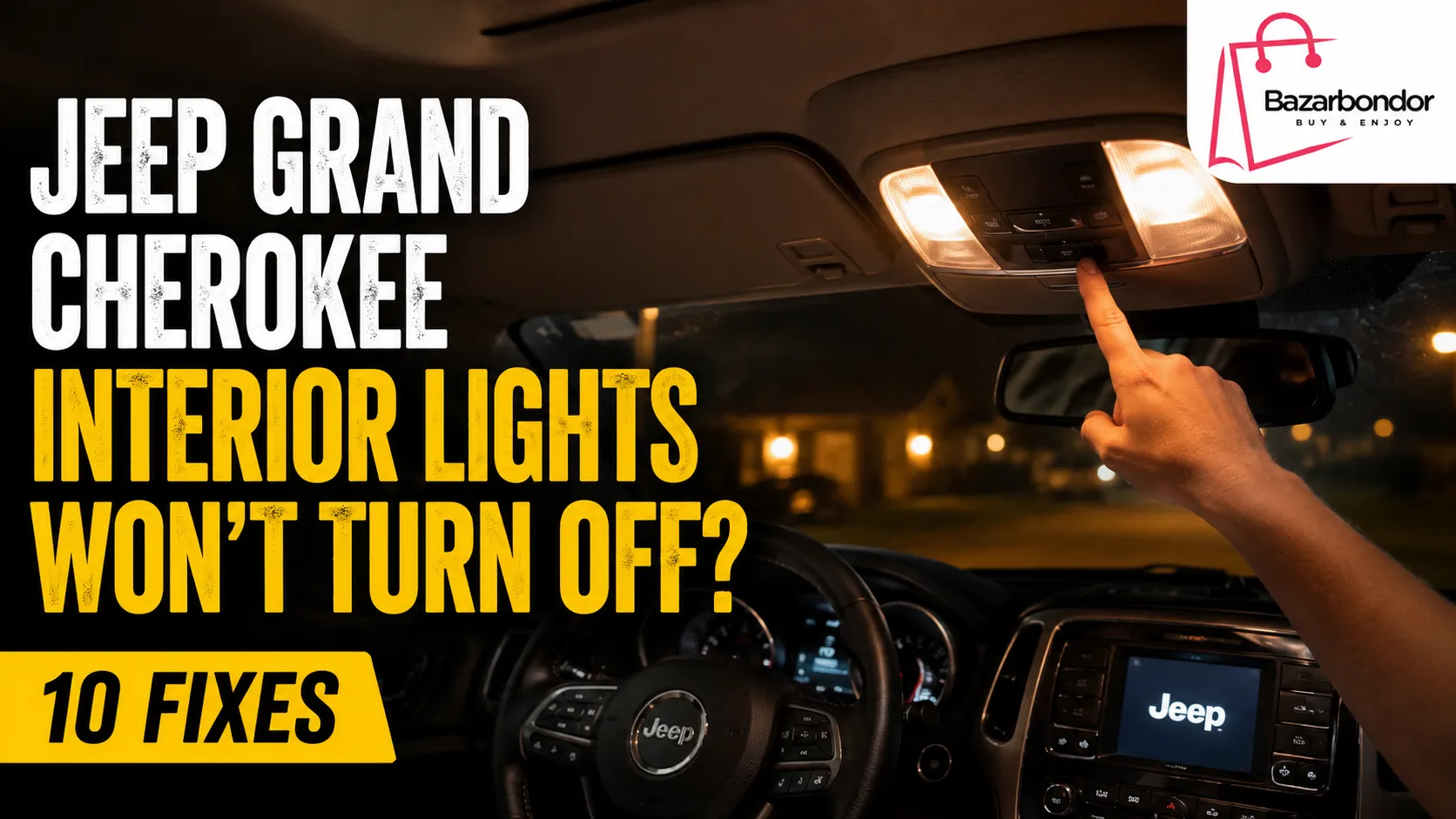
If your Jeep Grand Cherokee interior lights won’t turn off while driving, first check the individual reading-light buttons, dome-light control, and dashboard dimmer. An accidentally activated switch is more common than an electrical failure.
If the controls are correctly set, look for a door-ajar or liftgate warning. A door that is not fully latched, a sticking latch sensor, damaged door-jamb wiring, or a body-control-system fault can make the Jeep behave as though a door is still open.
Do not operate overhead switches, inspect doors, or troubleshoot wiring while driving. Pull over in a safe location, place the vehicle in Park, and then perform the checks below.
Quick Answer: Why Are the Interior Lights Staying On?
The most common reasons Jeep Grand Cherokee interior lights stay on while driving are:
- A front or rear reading light was manually switched on
- The dome-light control is in the ON position
- The dashboard dimmer is turned to the dome-on setting
- A door or the liftgate is not fully latched
- A door-latch or liftgate-ajar signal is incorrect
- Wiring inside a door-jamb boot is damaged
- An aftermarket accessory is feeding power into the lighting circuit
- The Body Control Module, or BCM, is receiving an incorrect input
Start with the switches. If every switch is correctly positioned, identify whether one light or all the interior lights are affected. That detail will narrow the problem quickly.
Try These Quick Fixes First
Before removing trim panels, checking fuses, or scheduling electrical diagnosis, try these simple steps.
1. Press Every Reading-Light Button Once
Check the front overhead console and every rear passenger reading light. A reading light can remain on independently of the main dome-light system.
Press each button once and watch whether the affected light turns off. On some versions, the lens itself acts as the switch.
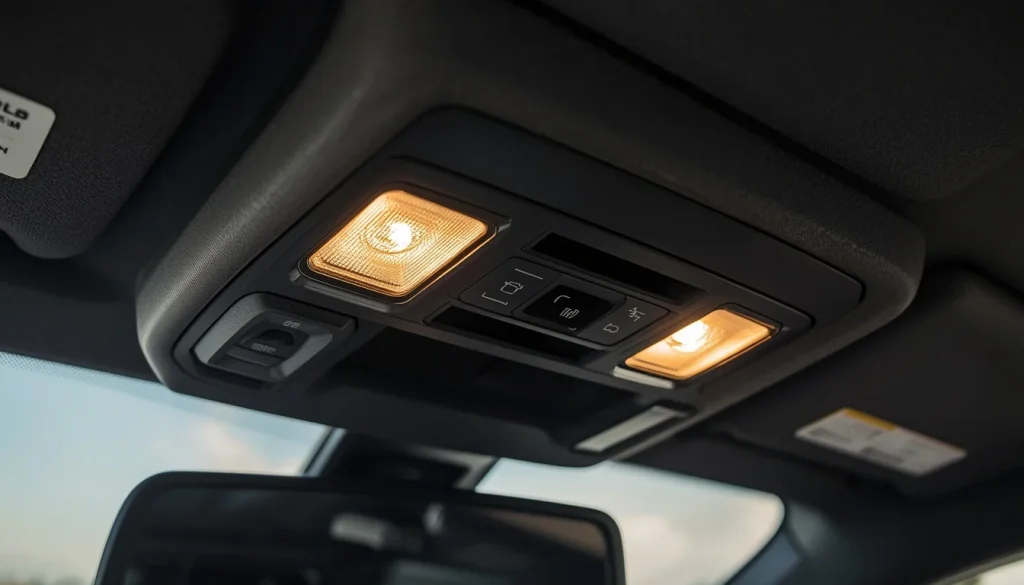
2. Check the Dome-Light Control
Look at the overhead console for a Dome ON button. Make sure it has not been pressed accidentally.
On newer Grand Cherokee models, the overhead console may have separate controls for:
- Left and right reading lights
- Dome ON
- Dome Defeat
- Ambient lighting
For example, the 2023 Grand Cherokee manual identifies separate Dome ON, Dome Defeat, and reading-light controls. It also explains that the reading lights can be operated individually. :contentReference[oaicite:0]{index=0}
3. Move the Dimmer Control Away From Its Highest Position
On many 2011–2021 Grand Cherokee models, the rotating dimmer wheel near the headlight switch also controls the courtesy and dome lights.
If the wheel is turned all the way upward, the interior lights may remain on. Rotate it downward one or more positions and check the cabin again.
The 2017 Grand Cherokee manual states that rotating the dimmer to its farthest upward position turns on the courtesy and dome lights. It also explains that moving it to the last lower detent can turn the interior lights off when a door is open. :contentReference[oaicite:1]{index=1}
4. Use the Dome Defeat Button
If your Grand Cherokee has a Dome Defeat button, press it after parking safely.
This control is designed to prevent the courtesy lights from remaining on when a door is open. If pressing it immediately turns off all the lights, the lighting hardware may be working correctly and the problem may involve a door or liftgate input.
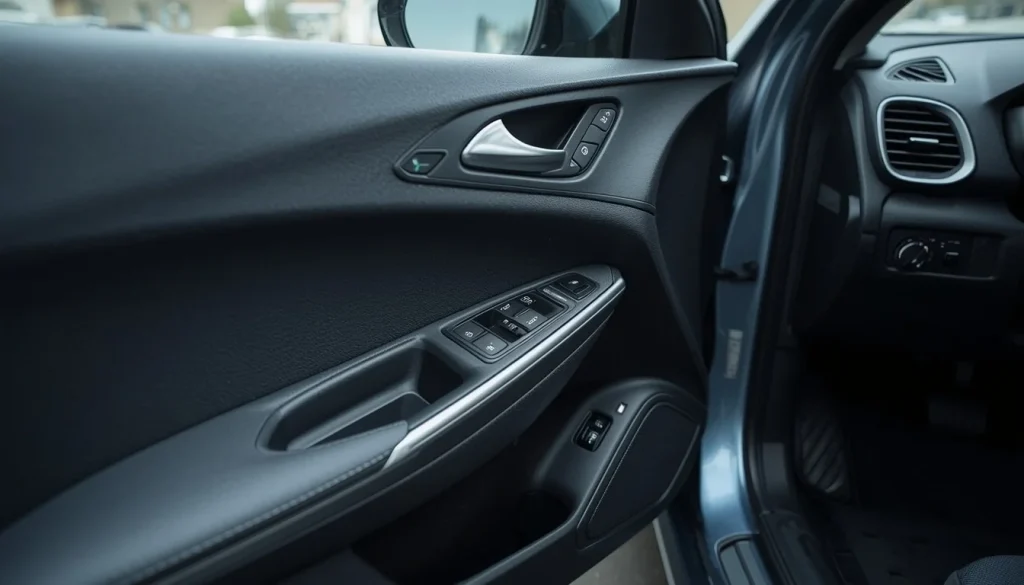
5. Open and Firmly Close Every Door
Open and close each door individually. Do not assume a door is fully latched simply because it looks closed.
Check for:
- A seat belt trapped in the door
- Ice, dirt, or debris around the latch
- Loose weather stripping
- A door that requires unusual force to close
- A dashboard door-open warning
6. Reclose the Liftgate
Open the liftgate, inspect the latch area, remove any obstruction, and close it firmly.
On newer Grand Cherokee models, rear courtesy lights can turn on when either a door or the liftgate is opened. An incorrect liftgate-ajar input can therefore affect rear or cabin lighting. :contentReference[oaicite:2]{index=2}
7. Turn the Jeep Off and Restart It
After checking the controls and doors:
- Place the vehicle in Park.
- Turn the ignition off.
- Exit and lock the vehicle.
- Wait several minutes.
- Unlock and restart it.
A restart may clear a temporary control-module state, but it will not repair a failing latch, broken wire, or recurring module fault.
Match the Symptom Before Troubleshooting
The exact lighting behavior can reveal where to look first.
| Symptom | Most Likely Area to Check |
|---|---|
| All interior lights remain on | Dome control, dimmer, door or liftgate input |
| Only one front map light remains on | Individual reading-light button or overhead console |
| Only one rear light remains on | Rear reading-light button or lamp module |
| Cargo light remains on | Liftgate latch or liftgate-ajar input |
| Lights come on when driving over bumps | Loose latch signal, wiring, connector, or ground |
| Lights stay on but no door warning appears | Manual switch, dimmer, intermittent input, or BCM |
| Lights and power windows malfunction together | Door-jamb harness, connector, or door module |
| Lights glow faintly instead of turning fully off | Fade delay, LED issue, electrical backfeed, or module output |
| Lights remain on only after parking | Normal delay, door input, or battery-saver behavior |
| “Battery Saver On” appears while driving | Battery state, charging capacity, or excessive electrical load |
Identify Which Interior Light Is Staying On
Before diagnosing the system, determine whether the problem affects one lamp or the complete cabin-lighting system.
Dome and Courtesy Lights
If all the cabin lights illuminate together, check the Dome ON control, dimmer position, and door or liftgate status first.
Front Map Lights
If only the driver-side or passenger-side overhead light remains on, press its individual switch.
The 2017 Grand Cherokee manual confirms that each front map or reading light can be switched on and off independently. :contentReference[oaicite:3]{index=3}
Rear Reading Lights
Rear lights may operate both as courtesy lights and individual reading lights. A passenger may have switched one on without noticing.
Press the button for the affected lamp a second time.
Cargo Light
A cargo-area light that stays on points more strongly toward the liftgate, its latch, or its electrical input than toward a front door.
Ambient Lighting
Soft illumination around the dashboard, doors, center console, or footwell may be normal ambient lighting rather than a malfunction.
Try adjusting the ambient-light dimmer before diagnosing a dome-light problem.
Model-Year Differences You Need to Know
Jeep changed the interior-light controls across Grand Cherokee generations. The correct first step depends on your model year and equipment.
2011–2021 Jeep Grand Cherokee
Many WK2-generation models use a rotating dimmer near the headlight switch.
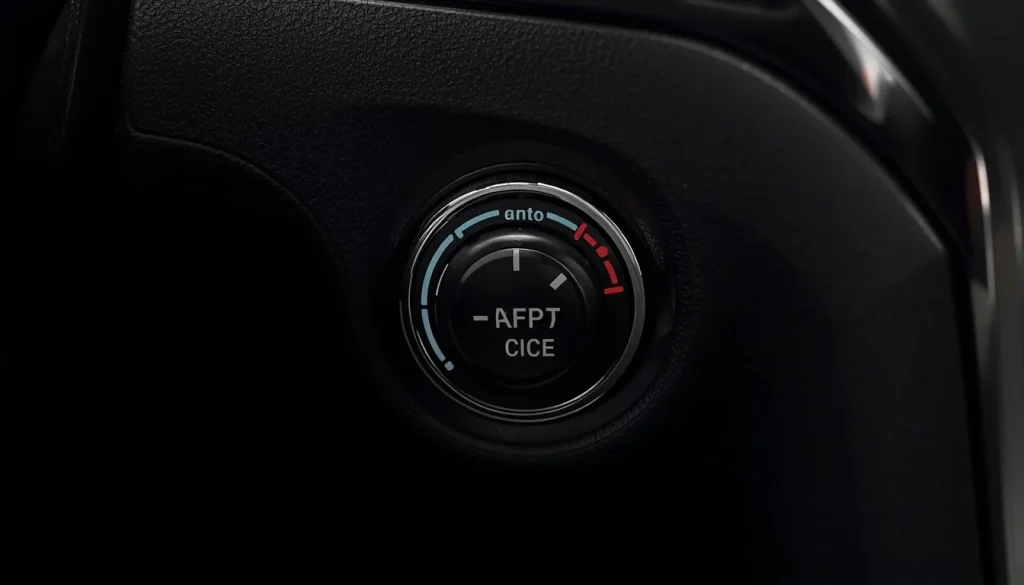
Check whether:
- The dimmer is turned completely upward
- The control has clicked into the dome-on position
- An overhead reading light was manually activated
- The lower off detent changes the behavior
On a 2017 model, Jeep specifies that the courtesy and dome lights can be activated by moving the dimmer to its highest position. The same manual describes individual front reading-light switches and a battery-saver feature. :contentReference[oaicite:4]{index=4}
Newer Grand Cherokee and Grand Cherokee L Models
Newer WL-generation vehicles may use overhead buttons labeled or represented as:
- Dome ON
- Dome Defeat
- Left reading light
- Right reading light
The rear courtesy lights may also function as individual reading lights.
Because features can vary by trim, country, and production year, compare your controls with the owner’s manual for your VIN rather than relying on a different Grand Cherokee model.
2010 and Older Models
Older Grand Cherokee models may use a different headlight switch, multifunction control, door switch, or courtesy-light layout.
The troubleshooting principles remain similar, but the fuse locations, switch design, wiring, and control modules can differ significantly. Use a year-specific wiring diagram before testing circuits.
Common Causes and How to Fix Them
Dimmer Set to the Dome-On Position
This is one of the easiest problems to overlook.
The dimmer may have been moved while adjusting instrument-panel brightness. At its highest setting, it can activate the interior lights.
Fix: Rotate the dimmer downward until it moves out of the dome-on detent.
Dome ON Button Accidentally Activated
A driver or passenger may press the Dome ON button while reaching for a reading light, sunroof control, or garage-door button.
Fix: Press Dome ON again or use Dome Defeat, depending on your overhead-console design.
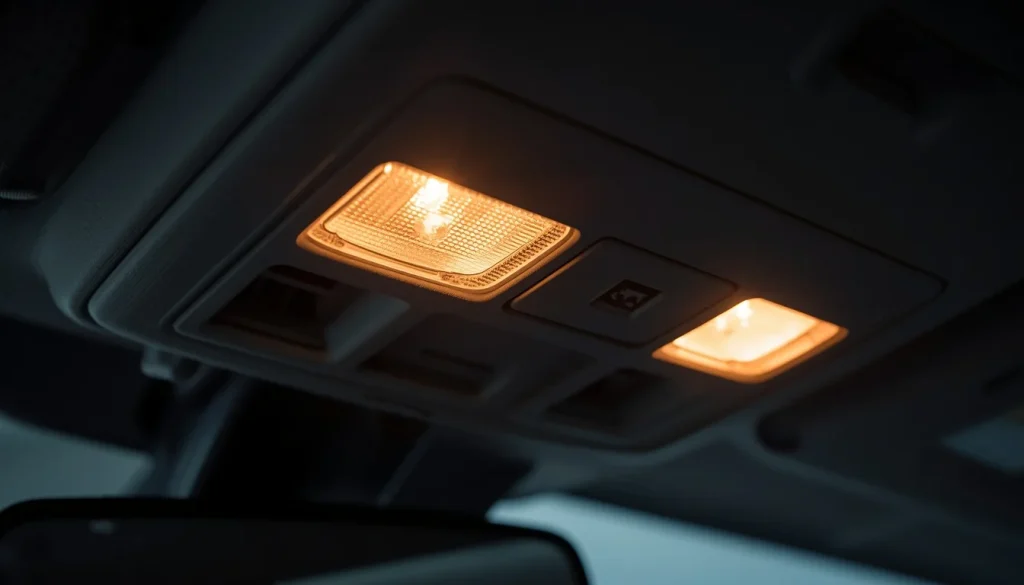
Individual Reading Light Left On
A single front or rear light usually indicates a manually activated reading light rather than a door sensor.
Fix: Press the affected lamp’s switch or lens once.
If the button feels stuck, loose, or unusually soft, the switch or overhead-console assembly may require inspection.
Door Not Fully Latched
A door can appear closed while the latch has not reached its fully secured position.
Possible causes include:
- A trapped object
- Misalignment
- Dirt in the latch
- Damaged weather stripping
- A worn latch mechanism
Fix: Inspect the door opening and close the door firmly. If the door is difficult to close or sits unevenly, have its alignment checked.
Dirty or Sticking Door Latch
On vehicles that use the latch to determine whether a door is open, contamination or mechanical wear may create an intermittent signal.
Fix: Inspect the latch for dirt, corrosion, or moisture. Use only a cleaner and lubricant suitable for automotive latch mechanisms. Avoid flooding electrical components with general-purpose spray.
Faulty Door-Ajar or Liftgate-Ajar Input
If the Jeep believes a door or liftgate is open, it may command the courtesy lights on.
The dashboard warning may remain illuminated, appear intermittently, or disappear even though the lighting problem continues.
Fix: A technician can observe live door and liftgate status with a compatible scan tool. If one input changes without the door moving, inspect that latch, connector, and wiring.
Damaged Door-Jamb Wiring
Wires repeatedly bend where they pass between the body and door. Over time, a conductor can crack inside the rubber boot.
Suspect the door harness when the interior-light problem occurs with:
- Power-window failure
- Door-lock failure
- Mirror problems
- Speaker interruption
- Warning messages that change when the door moves
- Lights that flicker when driving over bumps
Fix: With the vehicle off, inspect the harness and connectors for broken insulation, stretched wires, corrosion, or previous repairs. Proper wiring repair may require soldered or manufacturer-approved splices, heat protection, and enough flexibility for door movement.
Liftgate Latch or Alignment Problem
If the cargo light remains on or the rear lights behave differently from the front lights, inspect the liftgate.
Fix:
- Open the liftgate.
- Remove debris around the latch and striker.
- Inspect for water or corrosion.
- Close the liftgate firmly.
- Check the dashboard.
- Observe liftgate status with a capable scan tool if the problem remains.
Loose Connector or Ground
An intermittent power or ground connection can cause lights to flicker, glow dimly, or react to bumps.
Possible locations include:
- Overhead-console connectors
- Door-harness connectors
- Liftgate wiring
- Body grounds
- Previous accessory connections
Fix: Electrical voltage-drop and continuity testing should be performed using the correct wiring diagram.
Body Control Module or Network Fault
The BCM manages many body-related functions and responds to switch and door-status inputs. A defective module is possible, but it should not be the first component replaced.
A module may be blamed when the real problem is:
- A sticking latch
- A broken wire
- Connector corrosion
- Low system voltage
- Incorrect aftermarket wiring
Fix: Scan all body modules for fault codes, review live data, test the input circuits, and verify power and grounds before replacing or programming a module.
Aftermarket Alarm, Remote Start, Dashcam, or Lighting
Accessories may connect to door-trigger, ignition, battery, or courtesy-light circuits. A poor installation can create backfeed or keep a control module awake.
Fix: Check whether the problem began after installing:
- A remote starter
- An alarm
- Additional interior lights
- Footwell lighting
- A dashcam
- An audio system
- A trailer or accessory wiring kit
Temporarily disconnecting an accessory for diagnosis should be done according to its installation instructions.
What If There Is No Door-Ajar Warning?
Interior lights can remain on without a visible door-open warning.
Follow this diagnostic order:
- Press every reading-light button.
- Check the Dome ON control.
- Move the dimmer away from the highest position.
- Press Dome Defeat if equipped.
- Reclose every door and the liftgate.
- Check whether the lights react when a door is moved.
- Inspect the door-jamb wiring.
- Scan the BCM for fault codes and live door-status information.
No dashboard warning makes a manual switch problem more likely, but it does not completely eliminate an intermittent latch, wiring, or module input.
What If Only One Interior Light Won’t Turn Off?
When only one light is affected, do not begin by replacing door sensors.
Front Map Light
Press the corresponding overhead switch. If it does not respond, the button, lamp electronics, or overhead-console assembly may be faulty.
Rear Passenger Light
Press the rear reading-light button once. Ask whether a passenger recently used it.
Cargo Light
Check the liftgate and its latch signal.
Fixed LED Light
Some newer Grand Cherokee interior lamps use integrated LEDs rather than replaceable bulbs. The 2023 owner’s manual directs owners to an authorized dealer for replacement of interior LED lamps. :contentReference[oaicite:5]{index=5}
Avoid prying apart a sealed LED module unless you have the correct service instructions.
Why Do the Lights Come On Over Bumps?
Interior lights that illuminate or flicker when the Jeep hits a bump usually indicate an intermittent condition rather than a normal setting.
Possible causes include:
- A door that moves slightly against a worn latch
- An intermittent door-ajar input
- A loose liftgate
- Broken wiring inside a door boot
- A loose overhead-console connector
- A weak body ground
- An accessory connection that shifts with vibration
Park the vehicle and gently move one door at a time while observing the lights and instrument cluster. Do not drive with a door intentionally left loose for testing.
If movement of one door repeatedly triggers the problem, focus on that door’s latch, connector, and harness.
Why Are the Lights Dim but Not Fully Off?
A short fade after closing a door may be normal. A light that glows continuously is not.
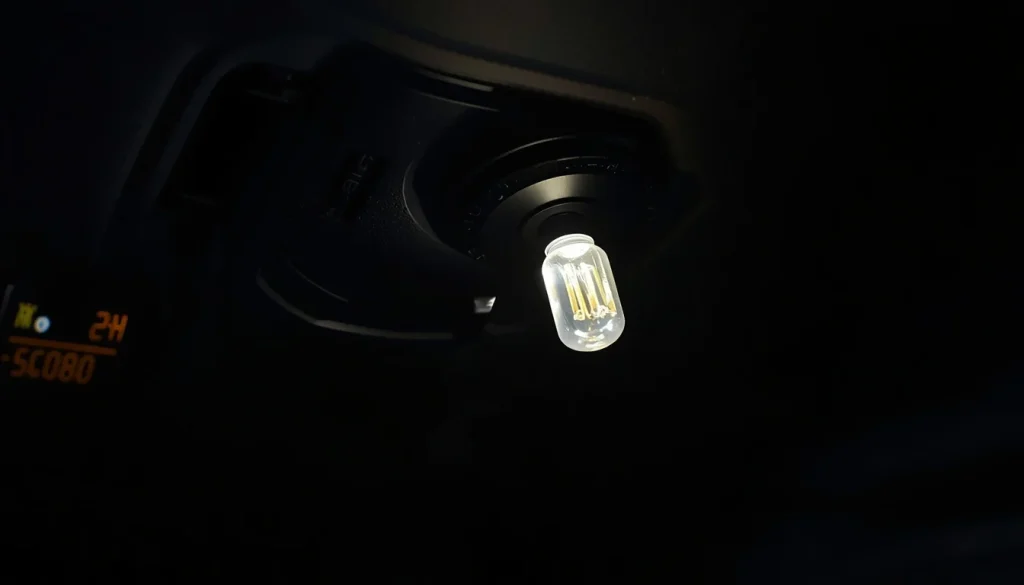
Possible causes include:
- Normal theater-style dimming
- Ambient lighting mistaken for a dome light
- An incompatible aftermarket LED bulb
- Electrical backfeed
- A weak ground
- Moisture in a connector
- A control-module output that is not switching fully off
Return any recently installed bulbs to the correct specification before replacing expensive electrical components.
Lights Stay On While Driving vs. After Parking
These symptoms should be diagnosed differently.
Lights Stay On While Driving
Because the ignition is on, focus on:
- Dome and reading-light switches
- Dimmer position
- Door and liftgate inputs
- Intermittent wiring
- BCM commands
Lights Stay On After Parking
First determine whether the lights shut off after a normal delay.
Jeep manuals describe a battery-saver function that can turn off interior lights after approximately 10 minutes when the ignition is off and a door is left open or the dome control remains activated. The manuals also note that this parked-vehicle battery-saver behavior is canceled when the ignition is in ON/RUN. :contentReference[oaicite:6]{index=6}
Therefore, a light that eventually turns off while parked may be responding to battery protection rather than repairing itself.
Does “Battery Saver On” Mean the Dome Lights Are Faulty?
Not necessarily.
The “Battery Saver On” or “Battery Saver Mode” message shown while driving is different from the timed interior-light shutoff used when the vehicle is parked.
On supported Grand Cherokee models, this message can indicate that the battery has a low state of charge or that electrical demand is exceeding what the charging system can sustain. Jeep advises reducing unnecessary electrical loads, including redundant interior or exterior lights, and checking connected accessories. :contentReference[oaicite:7]{index=7}
If the message appears with the interior-light problem:
- Turn off unnecessary lights
- Disconnect unneeded chargers and accessories
- Reduce extreme HVAC loads when safe
- Check battery condition
- Test charging-system output
- Inspect recently installed electrical equipment
Do not assume that replacing the battery will solve the problem without testing the battery and charging system first.
Step-by-Step Diagnostic Process
Step 1: Park Safely
Stop in a well-lit and safe area. Place the transmission in Park and apply the parking brake.
Step 2: Identify the Affected Lamps
Determine whether the problem involves:
- Every cabin light
- One front map light
- One rear reading light
- The cargo light
- Ambient lighting only
Step 3: Test the Manual Controls
Press each individual reading-light switch. Check Dome ON, Dome Defeat, and the dashboard dimmer.
Step 4: Check the Instrument Cluster
Look for messages involving:
- Driver door
- Passenger door
- Rear door
- Liftgate
- Battery Saver
- Charging system
Step 5: Test Every Door
Open and close one door at a time. Watch whether the warning display and interior lights respond consistently.
Step 6: Test the Liftgate
Repeat the same procedure with the liftgate.
Step 7: Inspect Latches and Strikers
Look for dirt, damage, corrosion, misalignment, or an obstruction.
Step 8: Inspect Flexible Wiring Areas
Check the rubber wiring boots at doors and the liftgate. Pay special attention to the driver door because it contains multiple frequently used electrical circuits.
Step 9: Check for Recent Modifications
Ask whether the problem began after a battery replacement, audio installation, remote-start installation, alarm installation, LED conversion, or body repair.
Step 10: Scan the Body Modules
Use a scanner that can communicate with body systems, not only a basic engine-code reader.
Review:
- Stored and pending body codes
- Live door-ajar status
- Liftgate status
- Dome-switch status
- Battery voltage
- Module communication faults
Step 11: Perform Circuit Testing
If live data identifies an incorrect input, test the relevant wiring, connector, switch, or latch before replacing the BCM.
Which Fuse Controls the Interior Lights?
There is no single fuse number that applies to every Jeep Grand Cherokee.
Fuse assignments can change according to:
- Model year
- Generation
- Engine
- Trim
- Country
- Optional equipment
- Gasoline or 4xe powertrain
The interior lights may also share power or control with a body module or other systems. Removing an unrelated fuse can disable door locks, electronics, safety functions, or module communication.
Use the fuse chart in the owner’s manual or service information for your exact vehicle. Search for circuit descriptions such as:
- Interior lights
- Courtesy lamps
- Overhead console
- Body Control Module
- Door module
- Liftgate module
If a replacement fuse blows again, do not install a higher-amperage fuse. A repeated failure indicates a short circuit or overloaded circuit that must be diagnosed.
Is It Safe to Drive With the Interior Lights On?
The lights themselves may not stop the Jeep from moving, but driving at night with bright cabin lights can create windshield reflections and reduce your ability to see outside.
Pull over when:
- The cabin lights interfere with visibility
- A door or liftgate warning appears
- A door does not feel securely latched
- The lights flicker with other electrical systems
- You smell hot plastic or burning insulation
- A fuse repeatedly fails
- A charging-system warning appears
Do not continue driving if there is any possibility that a door or liftgate is not securely closed.
Will the Interior Lights Drain the Battery?
While the engine is running, the charging system normally supplies vehicle electrical loads. However, unnecessary lighting increases demand, especially when many other accessories are operating.
After the engine is turned off, interior lights can discharge the 12-volt battery if they remain powered long enough. Some Grand Cherokee models automatically shut the lights off after a timed period, but you should still repair the cause rather than relying on battery protection. :contentReference[oaicite:8]{index=8}
A weak or partially discharged battery may lead to:
- Slow starting
- A no-start condition
- Battery-saver messages
- Unexpected module behavior
- Multiple warning messages
When Should You Visit a Mechanic?
Arrange professional diagnosis when:
- The door or liftgate warning will not clear
- The lights flicker over bumps
- Windows, locks, mirrors, or speakers also malfunction
- The interior-light fuse repeatedly blows
- You find melted wiring or a burning smell
- Moisture is present in a connector or control module
- A scan tool shows body-system fault codes
- The problem began after collision or body repair
- The basic switch and latch checks do not solve it
A qualified technician should test the system before replacing the BCM, overhead console, or multiple latch assemblies.
Relative Repair Difficulty
| Possible Repair | Typical Difficulty | Best Approach |
|---|---|---|
| Correct dimmer or dome setting | Very easy | DIY |
| Switch off a reading light | Very easy | DIY |
| Remove latch obstruction | Easy | DIY inspection |
| Clean and lubricate latch | Easy to moderate | Follow product and vehicle instructions |
| Adjust door or liftgate | Moderate | Body shop or mechanic |
| Replace latch assembly | Moderate | Experienced DIYer or technician |
| Repair door-jamb wiring | Moderate to difficult | Automotive electrician |
| Diagnose accessory backfeed | Difficult | Installer or automotive electrician |
| Diagnose BCM input or network fault | Difficult | Dealer or specialist |
| Replace and program a control module | Difficult | Proper diagnostic and programming equipment required |
Parts and labor costs vary widely across the USA, UK, Canada, and Australia. Obtain a written diagnosis before approving an expensive module replacement.
How to Prevent the Problem From Returning
- Keep door and liftgate latch areas clean
- Repair water leaks promptly
- Investigate door-ajar warnings instead of ignoring them
- Avoid slamming a misaligned door or liftgate
- Inspect flexible door wiring when other door electronics fail
- Use correctly specified replacement bulbs
- Have alarms, remote starters, and lighting accessories installed professionally
- Secure accessory wiring away from sharp metal and moving panels
- Test the battery and charging system when battery-saver messages appear
Frequently Asked Questions on Jeep Grand Cherokee Interior Lights Wont Turn Off
Why do my Jeep Grand Cherokee interior lights come on randomly while driving?
The most likely causes are an activated dome control, an intermittent door or liftgate input, damaged door-jamb wiring, or a loose electrical connection. If the lights react to bumps or door movement, inspect the latch and wiring for that opening.
How do I turn off the dome lights in a Jeep Grand Cherokee?
On many WK2 models, rotate the dashboard dimmer away from its highest dome-on position. On newer models with overhead controls, press Dome ON again or use Dome Defeat. Control layouts vary, so verify the procedure in your model-year manual.
Where is the Dome Defeat button?
On equipped newer Grand Cherokee models, it is located in the overhead console near the reading-light and Dome ON controls.
Why do the lights stay on when all the doors are closed?
A reading light may be manually activated, the dimmer may be in the dome-on position, or the vehicle may be receiving an incorrect door or liftgate signal.
Why is there no door-ajar warning?
A manual lamp switch may be responsible. An intermittent wiring or module problem is also possible, especially if the symptom changes while driving or moving a door.
Can a bad door latch keep the interior lights on?
Yes. If the latch or its electrical input indicates that the door is open, the vehicle may command the courtesy lights on. Confirm the input with live scan-tool data before replacing the latch.
Why does only one map light stay on?
The individual reading-light button may have been pressed. If the light does not respond to the switch, inspect the button and overhead-console lamp assembly.
Why does the cargo light stay on?
Check whether the liftgate is fully latched. Inspect the latch, striker, connector, alignment, and live liftgate-ajar status.
Why do the dome lights come on when I hit a bump?
This suggests an intermittent latch, loose connector, broken wire, weak ground, or door alignment issue. Test the doors and liftgate while parked.
Can aftermarket LED bulbs cause a faint glow?
Yes. Some LED replacements respond differently to low-current monitoring or module outputs and may glow faintly. Reinstalling correctly specified lighting can help confirm the cause.
Should I disconnect the battery to reset the interior lights?
Battery disconnection is not the best first step. It may erase settings without fixing the underlying switch, latch, wiring, or module problem. Some vehicles may also require relearning procedures afterward.
Can I remove the interior-light fuse temporarily?
Only use the exact fuse information for your model year. Removing a shared body-control fuse may disable other systems. It should not be treated as a permanent repair.
What does Battery Saver On mean?
It generally indicates that the battery’s state of charge is low or electrical demand is greater than the charging system can currently sustain. Reduce unnecessary loads and have the battery and charging system tested if the message returns.
How long should the lights stay on after locking the Jeep?
A brief illuminated-entry or fade delay can be normal. If the lights remain on for an extended period, check the manual controls and door or liftgate status. Some models use a timed battery-saver shutdown when the ignition is off.
Final Troubleshooting Checklist
Use this quick decision path:
- Only one light is on: Press that light’s reading switch.
- All lights are on with no warning: Check Dome ON and the dimmer.
- A door or liftgate warning appears: Reclose and inspect that opening.
- Lights react to bumps: Inspect the latch, connector, and flexible wiring.
- Windows or locks also fail: Focus on the door harness or door module.
- Lights glow faintly: Check ambient lighting, LED compatibility, grounds, and backfeed.
- Battery Saver appears: Reduce electrical loads and test the charging system.
- Basic checks fail: Scan the BCM and review live door and liftgate inputs.
In most cases, Jeep Grand Cherokee interior lights that won’t turn off while driving are caused by a switch setting, individual reading light, or incorrect door or liftgate input. Begin with the simple controls, match the exact symptom, and avoid replacing expensive modules until the wiring and input signals have been properly tested.
“Cars aren’t just machines. They’re freedom, memory, and a little bit of grease under your fingernails.”
I’m Theodore Roosevelt—though my friends just call me “Ted” (and no, I’m not related to the president, though I do share his love for adventure). I grew up in Detroit in the 1970s, back when the city was still the heart of the American auto industry. My first love was a rusted-out 1967 Mustang my father and I rebuilt in our garage when I was fifteen. That project taught me that cars have souls. After spending twenty years as a mechanic and another ten writing for magazines, I started this blog to help everyday drivers and weekend wrenchers feel confident under the hood. Whether you’re restoring a classic or just trying to keep your daily driver alive for one more winter, I’m here to help you get there.